We may earn a commission when you buy through links on this page. It doesn't change our rankings or cost you anything extra.

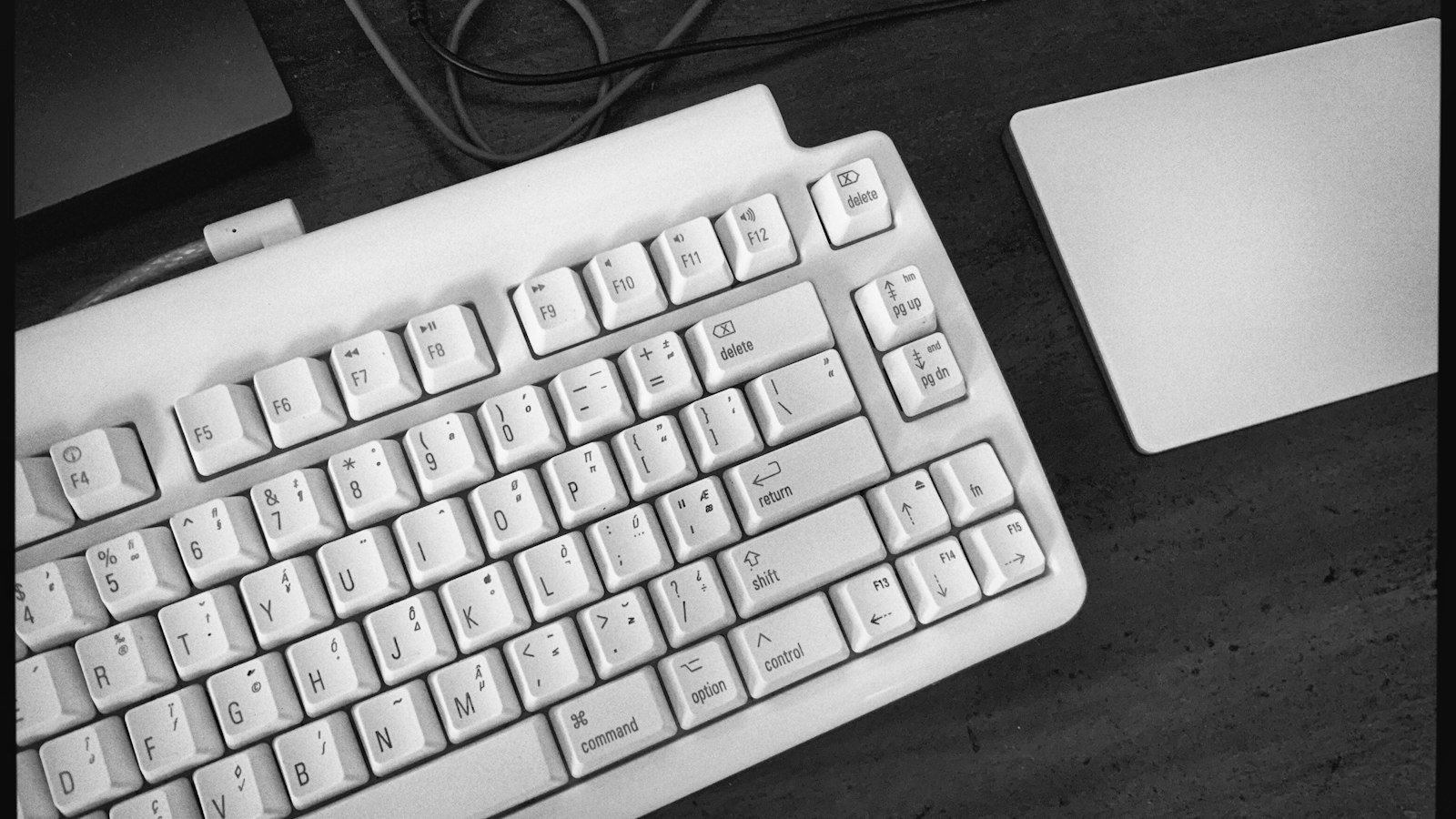
A white keyboard with command and option keys next to a trackpad on a desk

Home office · 5 compared

Best Ergonomic Keyboards for Mac of 2026: 5 Compared for Mac Keys, Split Design & Device Switching

By Best Pick Guide Editorial Team · Updated

Photo: @alexeydemidov on Unsplash

You want an ergonomic keyboard, but you work on a Mac. Most ergonomic keyboards are printed for Windows, so the Command and Option keys end up in the wrong place or carry the wrong labels.

Cheap "Mac compatible" keyboards often just mean the keyboard connects to a Mac. They may skip Mac-specific keys, come in one fixed piece, or pair with only one device, so you re-pair every time you switch from your MacBook to your iPad.

We compared five ergonomic keyboards for Mac, from wave and curved designs to a fully split keyboard. One has a standard Mac layout, two halves that separate up to 9 inches, and Bluetooth for up to 3 devices.

K
Our top pick Kinesis Freestyle2 Blue Wireless Keyboard for Mac
  • Mac key layout
  • Fully separate halves
  • Switches between 3 devices
See it on AmazonOpens Amazon.com in a new tab

Which one is right for you?

How we compared them

At a glance

Our picks

Best Overall
#1
K

Kinesis Freestyle2 Blue Wireless Keyboard for Mac

  • Mac key layout
  • Fully separate halves
  • Switches between 3 devices

A split keyboard for Mac whose two halves rotate and separate up to 9 inches, with a standard Mac layout and Mac-specific hotkeys, multichannel Bluetooth for up to 3 devices, and a rechargeable battery.

  • Two separate key modules that rotate and spread up to 9 inches apart
  • Standard Mac layout with Mac-specific hotkeys, shortcuts and media keys
  • Pairs with up to 3 Bluetooth devices such as a MacBook, iMac, iPhone and iPad, and switches between them
  • Rechargeable battery with up to 6 months between charges; 2-year warranty
  • Tenting and palm supports are sold separately for this wireless model
See it on Amazon
Best Tented
#2
K

Kinesis Freestyle2 VIP3 for Mac (Wired, Tented)

  • Mac key layout
  • Fully separate halves

The wired version of the Freestyle2 for Mac, sold with the VIP3 tenting accessory already attached: 5, 10 or 15 degrees of tenting, cushioned palm supports, a standard Mac layout and a 2-port USB hub.

  • Halves rotate and separate up to 9 inches
  • VIP3 tenting at 5, 10 or 15 degrees with palm supports, pre-installed
  • Standard Mac layout with Cut, Copy, Paste and media hotkeys
  • 2-port hub; no software or drivers needed
  • Wired USB only, so it doesn't switch between devices
  • 1-year limited warranty
See it on Amazon
Best Compact
#3
L

Logitech Wave Keys for Mac

  • Mac key layout
  • Switches between 3 devices

A compact wave-shaped Bluetooth keyboard designed for Mac, with Mac-specific keys, a cushioned palm rest, quiet keys and Easy-Switch keys to move between a MacBook, iPad and iPhone.

  • Designed for Mac, with Mac-specific keys; works with macOS, iPadOS and iOS
  • Easy-Switch keys connect up to 3 devices
  • Wave-shaped keys with a built-in cushioned palm rest
  • Up to 3-year battery life, per the listing
  • One-piece wave design, not split
  • Bluetooth only, with no USB receiver; the listing names macOS 13 Ventura as the minimum
See it on Amazon
Best Palm Rest
#4
L

Logitech ERGO K860 Wireless Split Keyboard

  • Switches between 3 devices

A full-size curved, split keyframe with a pillowed memory foam wrist rest and tilt legs of 0, -4 and -7 degrees, connecting by Bluetooth or the included USB receiver on Windows and macOS.

  • Curved, split keyframe with scooped keys
  • Pillowed wrist rest with a memory foam layer
  • Palm lift legs at 0, -4 and -7 degrees, for sitting or standing
  • Bluetooth or included USB receiver; works with macOS and Windows
  • The listing says Windows and Mac compatible but doesn't describe a Mac-specific layout
  • One-piece keyframe; the halves don't separate
  • Runs on 2 AAA batteries
See it on Amazon
Best Backlit
#5
M

Macally BTBLERGO2A Ergonomic Split Keyboard for Mac

  • Mac key layout
  • Switches between 3 devices

A one-piece split keyboard with a 100-key macOS layout and 13 shortcuts, backlit keys, a padded wrist rest, 4 kickstands for different angles, and Bluetooth for 3 Apple devices.

  • 100-key macOS layout with 13 shortcut keys
  • Backlit keys with adjustable brightness
  • Pairs and switches between 3 Apple Bluetooth devices
  • Rechargeable 2000 mAh battery with USB-C charging; 2-year warranty
  • One-piece split design; the halves don't separate
  • The listing says the split layout may take a few days to get used to
See it on Amazon

Why Kinesis Freestyle2 Blue Wireless Keyboard for Mac is our #1 pick

Real Mac keys

The Freestyle2 Blue for Mac has a standard Mac layout with Mac-specific hotkeys and shortcuts, so your keys are where macOS expects them. No software or drivers needed.

Two halves you can place

The two key modules rotate and spread up to 9 inches apart, so you can set them about where your hands rest. A one-piece split keyboard can't do that.

Moves with you between devices

Multichannel Bluetooth pairs with up to 3 devices, such as your MacBook, iPad and iPhone, and switches between them. The battery recharges and lasts up to 6 months.

See Kinesis Freestyle2 Blue Wireless Keyboard for Mac on Amazon

What to look for

Look for a Mac layout, not just Mac compatible

Almost any keyboard connects to a Mac. A Mac layout puts Command and Option where you expect them and labels the media keys for macOS. See our guide to Mac key layouts.

Fully split, one-piece split or wave

Fully split keyboards let you set the width and angle of each half. One-piece split and wave designs are simpler and take less getting used to. See our split vs wave guide.

Count your devices

If you move between a MacBook, iPad and iPhone, pick a keyboard that pairs with 3 devices and switches with a key.

Check tilt, tenting and palm rests

Tenting raises the middle of each half; negative tilt lowers the back edge. Some keyboards include a palm rest; others sell tenting and palm supports as add-ons.

FAQ

Do ergonomic keyboards work with a Mac?

Most connect fine over Bluetooth or USB. The difference is the layout: a Mac layout has Command and Option keys and Mac media keys, so you don't have to remap anything.

Can I use a Windows ergonomic keyboard on a Mac?

Usually yes, but the Windows and Alt keys stand in for Command and Option, and the labels won't match. You can swap them in macOS keyboard settings.

Is a split keyboard hard to get used to?

It can take a few days, especially if you look at the keys when you type. A one-piece split or wave keyboard is an easier first step.

Will an ergonomic keyboard fix wrist pain?

We can't promise that, and no keyboard should. If you have pain, ask a doctor or physical therapist. A keyboard changes the shape of your typing setup, not a medical condition.

Bottom line

For a Mac, the Kinesis Freestyle2 Blue is the ergonomic keyboard to buy: a standard Mac layout, two halves that separate up to 9 inches, and Bluetooth for up to 3 devices. Choose the wired Freestyle2 with VIP3 lifters for built-in tenting, Logitech Wave Keys for Mac for a compact wave design, the Logitech ERGO K860 for its pillowed palm rest and negative tilt, and the Macally split for backlit keys.

Also consider

  • Kinesis Freestyle2 VIP3 for Mac (Wired, Tented) Best TentedSee it
  • Logitech Wave Keys for Mac Best CompactSee it