We may earn a commission when you buy through links on this page. It doesn't change our rankings or cost you anything extra.

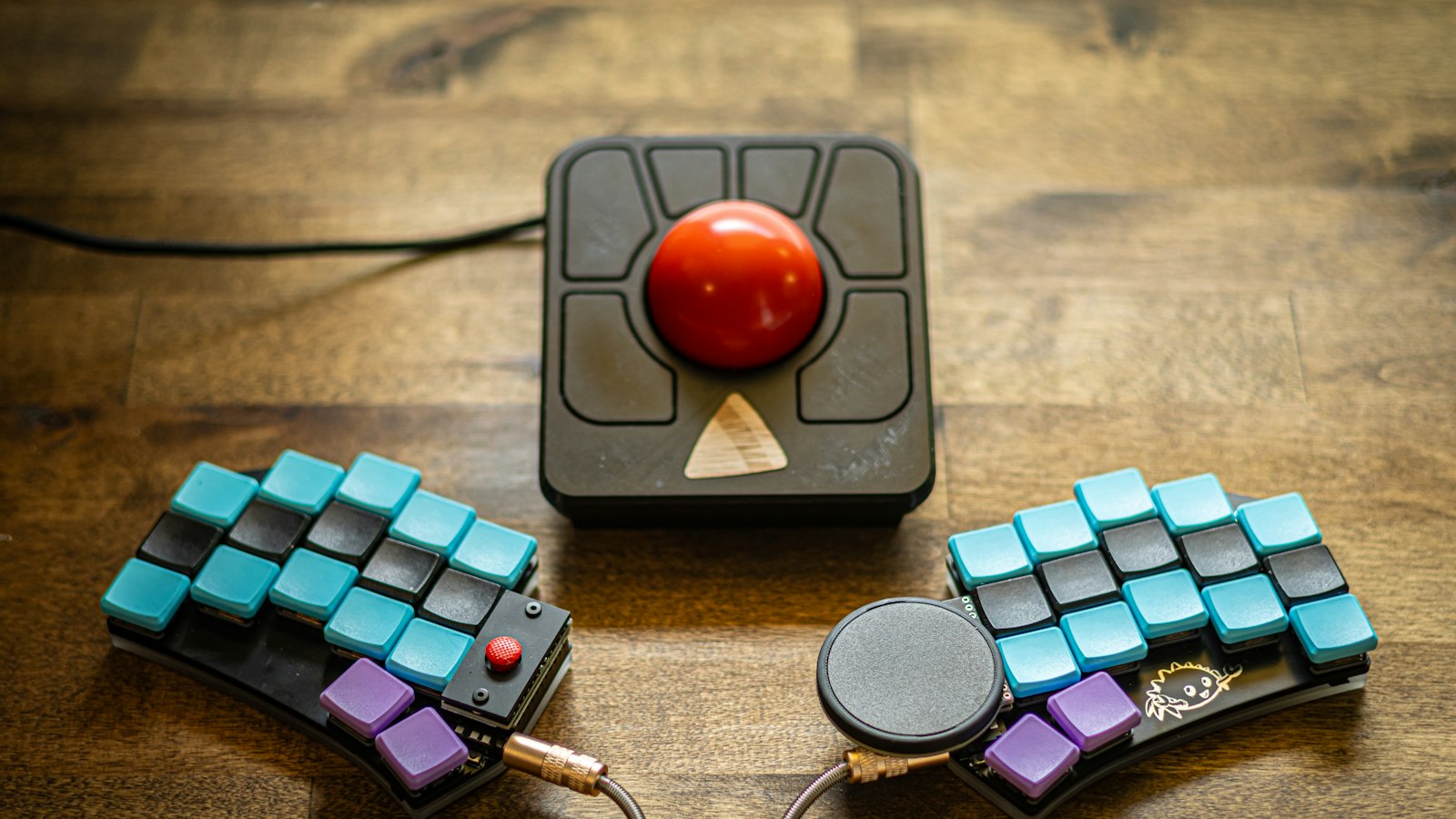
A split keyboard in two halves with a trackball between them on a wooden desk

Home office · 5 compared

Best Ergonomic Keyboard and Mouse Combos of 2026: 5 Compared for Vertical Grip, Device Switching & Charging

By Best Pick Guide Editorial Team · Updated

Photo: @tfinklea on Unsplash

You want to change your whole desk setup at once: an ergonomic keyboard and a mouse that go together, one box, one receiver, no mixing and matching.

But many "ergonomic" combos pair a curved keyboard with an ordinary flat mouse, connect to only one computer, or eat through AA batteries.

We compared five ergonomic keyboard and mouse combos, from wave keyboards to a split one. One pairs a wave keyboard with a vertical mouse, connects both to up to 3 devices, and recharges both over USB-C.

P
Our top pick ProtoArc EKM02 Wave Keys Keyboard and Vertical Mouse
  • Vertical mouse
  • Both switch between 3 devices
  • Rechargeable keyboard and mouse
See it on AmazonOpens Amazon.com in a new tab

Which one is right for you?

How we compared them

At a glance

Our picks

Best Overall
#1
P

ProtoArc EKM02 Wave Keys Keyboard and Vertical Mouse

  • Vertical mouse
  • Both switch between 3 devices
  • Rechargeable keyboard and mouse

A wave-key keyboard with a cushioned memory foam palm rest and number pad, paired with the EM11 NL vertical mouse. Both connect to up to 3 devices by Bluetooth or a USB-A receiver and recharge over USB-C.

  • Vertical mouse (EM11 NL) in the box
  • Keyboard and mouse connect to up to 3 devices; switch with one click
  • Both have built-in 500 mAh batteries with USB-C charging
  • Switches between Windows and macOS layouts with FN+A or FN+S; 4 tilt legs; 2-year warranty
  • The mouse is sized for hands under 7.5 inches long, and the keyboard isn't backlit
See it on Amazon
Quietest Clicks
#2
L

Logitech Wave Keys and Lift Vertical Mouse Combo

  • Vertical mouse
  • Both switch between 3 devices

Logitech's Wave Keys keyboard with a memory foam palm rest, plus the Lift vertical mouse at a 57-degree angle with quiet clicks and a SmartWheel. Both connect by Bluetooth or the Logi Bolt receiver and Easy-Switch between up to 3 devices.

  • Lift vertical mouse at a 57-degree angle, with a thumb rest
  • Easy-Switch between up to 3 devices in a tap
  • Whisper-quiet clicks and a SmartWheel that adjusts scroll speed
  • Works with Windows, macOS, iPadOS, ChromeOS and Linux; 2-year limited warranty
  • Runs on replaceable batteries (2 AAA in the keyboard, 1 AA in the mouse), not rechargeable
  • Lift is right-handed and made for small to medium hands
See it on Amazon
Best Full-Size Split
#3
P

ProtoArc EKM01 Plus Ergonomic Keyboard and Mouse Combo

  • Both switch between 3 devices
  • Rechargeable keyboard and mouse

A full-size curved and split keyboard with a memory foam palm rest and 4 tilt legs, plus a contoured mouse with palm and thumb rest. Both connect to up to 3 devices and recharge over USB-C.

  • Full-size curved, split keyframe with number pad
  • Cushioned memory foam palm rest and 4 adjustable tilt legs
  • Keyboard and mouse connect to up to 3 devices by Bluetooth or USB receiver
  • Both have 500 mAh batteries with USB-C charging
  • The mouse is contoured, not vertical
  • Large: the keyboard is 20.75 x 11 inches; not backlit; 1-year warranty
See it on Amazon
Best Split + Vertical
#4
M

MEETION Director-C Split Keyboard and Vertical Mouse Combo

  • Vertical mouse
  • Rechargeable keyboard and mouse

A full-size split keyboard with a concave curve and a pillowed palm rest, paired with a vertical mouse with 4 DPI settings and silent clicks. Both share one USB-A receiver and have rechargeable 500 mAh batteries.

  • Split keyboard plus a vertical mouse in one set
  • Pillowed, non-slip palm rest
  • Vertical mouse with 800 to 2400 DPI, silent switch and side scroll wheel
  • Keyboard and mouse both rechargeable, up to 1 to 2 months per charge
  • One shared 2.4 GHz USB-A receiver; no Bluetooth or multi-device switching
  • The USB-C piece is an adapter for the USB-A receiver, not a receiver on its own
See it on Amazon
Best for Larger Hands
#5
L

Logitech Wave Keys MK670 Keyboard and Mouse Combo

Wave Keys with a memory foam palm rest, paired with the Signature M550 L mouse for medium to large hands, with SilentTouch quiet clicks and SmartWheel scrolling.

  • Wave-shaped compact keyboard with a cushioned palm rest
  • Signature M550 L mouse sized for medium to large hands
  • Quiet SilentTouch clicks and SmartWheel scrolling
  • Keyboard connects by Bluetooth or Logi Bolt and Easy-Switches between devices
  • Standard sculpted mouse, not vertical
  • Easy-Switch works on the keyboard only, not the mouse
  • The listing doesn't clearly say the set is rechargeable; 1-year limited warranty
See it on Amazon

Why ProtoArc EKM02 Wave Keys Keyboard and Vertical Mouse is our #1 pick

A vertical mouse in the box

The EKM02 comes with the EM11 NL vertical mouse, so your hand rests on its side instead of flat on the desk.

Both pieces switch devices

The keyboard and the mouse each connect to up to 3 devices by Bluetooth or the USB-A receiver and switch with one click, so moving from laptop to tablet moves both.

No batteries to buy

Both have built-in batteries that charge over USB-C. The listing says 2 to 3 hours of charging gives about 100 hours of use.

See ProtoArc EKM02 Wave Keys Keyboard and Vertical Mouse on Amazon

What to look for

Check what mouse is in the box

Many ergonomic combos include a standard or contoured mouse. If you want a vertical grip, make sure the set says vertical. See our vertical vs regular mouse guide.

Pick a keyboard shape

Wave keyboards are compact and familiar. Split keyboards angle the two key groups apart and take a few days to get used to. Full-size sets include a number pad but take more desk space.

Count devices for both pieces

Some sets switch devices on the keyboard only. If you use a laptop and a tablet, look for a combo where the mouse switches too.

Rechargeable or batteries

Rechargeable sets charge over USB; battery sets last a long time but need AA or AAA replacements. Also check hand size: vertical mice often list a fit range.

FAQ

Is an ergonomic keyboard and mouse combo better than buying them separately?

A combo is simpler: one box, matched sizes and often one receiver. Buying separately lets you pick each piece. See our combo vs separate guide.

Do these combos work with a Mac?

All five listings name macOS or Mac support. The ProtoArc EKM02 can also switch its keys between Windows and macOS layouts.

How long does a vertical mouse take to get used to?

Often a week or two. ProtoArc suggests giving it 1 to 2 weeks for the new grip.

Will an ergonomic combo stop wrist pain?

We can't promise that. These sets change the shape of your keyboard and mouse, not a medical condition. If you have pain, ask a doctor or physical therapist.

Bottom line

For most desks, the ProtoArc EKM02 is the ergonomic keyboard and mouse to buy: a vertical mouse, both pieces switching between up to 3 devices, and USB-C charging for both. Choose the Logitech Wave Keys and Lift for quiet clicks from a big brand, the ProtoArc EKM01 Plus for a full-size split keyboard, the MEETION Director-C for a split keyboard with a vertical mouse, and the Logitech MK670 for larger hands.

Also consider

  • Logitech Wave Keys and Lift Vertical Mouse Combo Quietest ClicksSee it
  • ProtoArc EKM01 Plus Ergonomic Keyboard and Mouse Combo Best Full-Size SplitSee it