Your notes are spread across a notebook, three apps and a photo of the whiteboard you'll never find again. The lecture moved too fast to write it all down, and the reading list is a stack of library books you can't highlight. Every ad says some AI gadget will fix it. Which one is actually worth buying?
A lot of AI gadgets for students look cheap until you read the fine print. The AI part often runs on a monthly plan or a free trial. Some do nothing until they're paired with a phone or laptop. And plenty never say how long the battery lasts, which matters when you're on campus from 8 to 6.
We compared five different kinds of AI study gadgets: an e-ink notebook, a lecture recorder, a scanning pen, a smart pen and a reusable smart notebook. One does its AI note tools with no paid plan, works on its own with no phone or laptop, and states its battery life in weeks.
Not sure? Let us pick for you
How do you like to take notes in class?
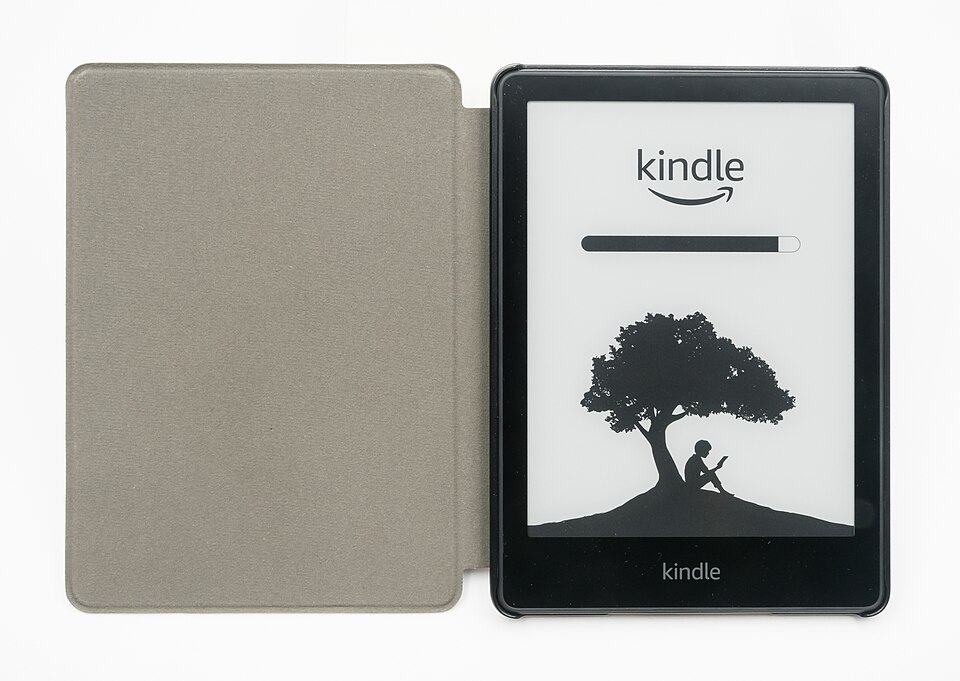
Our pick for you: #1Amazon Kindle Scribe (3rd Gen, 2025), 11-inch, Pen Included
You write in its built-in notebook with a pen that never needs charging, then AI tools search, summarize or convert your notes to text.
Checked each listing and maker page for whether the main features, including any AI features, need a paid plan or only work during a free trial
Checked whether each gadget works on its own, or needs a phone, tablet or computer connected before it does anything
Compared stated battery life, and marked it "not stated" where the listing doesn't give a number
Picked five different kinds of gadgets for different study habits: reading and handwriting, recording lectures, pulling quotes from books, and writing on paper
We didn't hand-test these gadgets; everything comes from each Amazon listing, the maker's page or the app store listing
Similar model shown. Photo: Jacek Halicki, CC BY-SA 4.0
9.3/10
Amazon Kindle Scribe (3rd Gen, 2025), 11-inch, Pen Included
Core features, no paid plan
Works without a phone or laptop
Battery life stated (or no battery)
An 11-inch e-ink reader and notebook with a front light and an included pen that never needs charging. You write notes by hand in the built-in notebook, then use its AI tools to search them, ask questions about what you wrote, summarize up to 15 pages, tidy up handwriting or convert it to text. You can also import PDFs and Word files from Google Drive or OneDrive and write on them, or write in the margins of Kindle books.
AI notebook tools are built in: search, ask questions about your notes, summarize, refine handwriting and convert to text
Works on its own: the listing says no computer is needed, and the pen needs no charging or pairing
Up to 12 weeks of reading or 3 weeks of writing per charge, at half an hour a day with wireless off, per the listing
Import PDFs and Word files from Google Drive or OneDrive, mark them up, and export as PDF or send to OneNote
The AI tools process your notes in the cloud, so they need a Wi-Fi connection; writing and reading work without one
Illustrative photo. Photo: Jacek Halicki, CC BY-SA 4.0
8.8/10
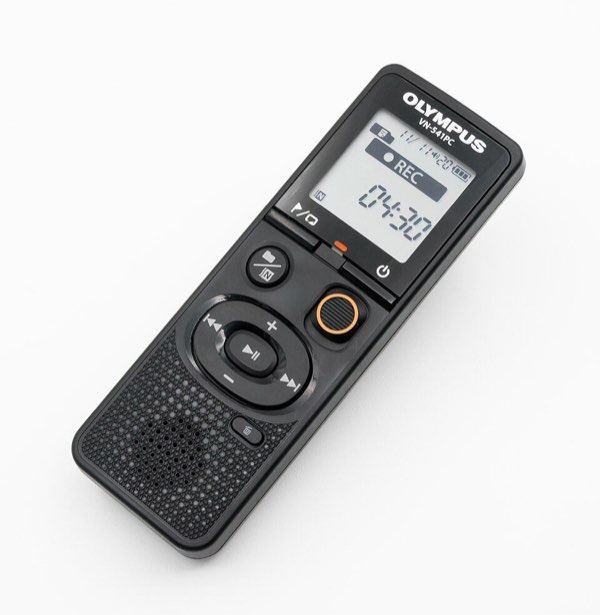
Pocket AI Voice Recorder with Auto Transcription, Space Grey
Core features, no paid plan
Battery life stated (or no battery)
A small AI voice recorder you start with one tap. Its iOS and Android app turns recordings into transcripts, summaries, action items and mind maps, and "Ask Pocket" answers questions across your recordings. It has 64 GB of storage, attaches to the back of a MagSafe iPhone, and the listing rates the battery at up to 4 days.
One-tap recording, then transcripts, summaries and mind maps in the app
"Ask Pocket" searches and answers questions across all your recordings
Core features included out of the box, per the listing; premium tools are optional
Up to 4 days per charge and 64 GB of storage, per the listing
Needs the Pocket app on an iOS or Android phone to read transcripts and summaries
The listing doesn't spell out which features are free and which need the optional subscription
Illustrative photo. Photo: dbenzhuser, CC BY-SA 3.0
8.6/10
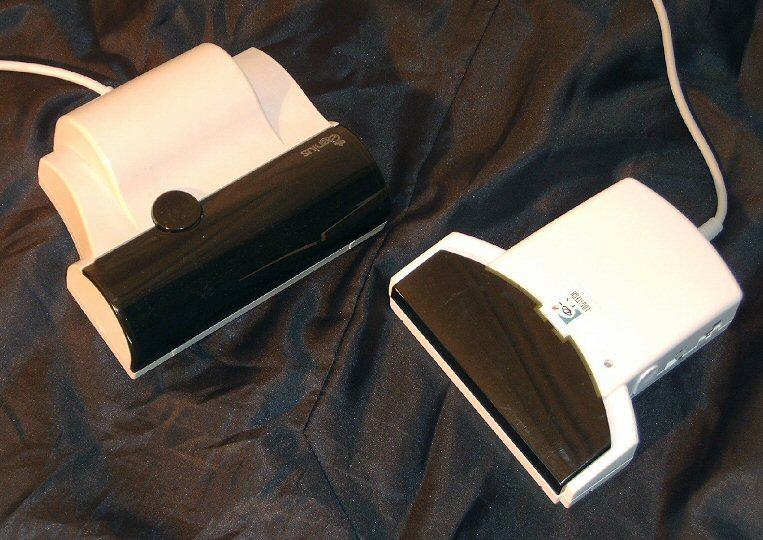
Scanmarker Air Pen Scanner and Reading Pen
Core features, no paid plan
A pen-shaped scanner you slide across a line of printed text. The text appears on your phone, tablet or computer, in the Scanmarker app or straight into programs like Microsoft Word. The app can read the scanned text aloud and translate it, with over 140 languages listed. It's light (under 1 oz) and connects by Bluetooth.
Copies printed lines from books and handouts into your notes, so you don't retype quotes
Text-to-speech in the app reads scanned text aloud as you scan
Over 140 languages for scanning and translation, per the listing
No hidden fees, free software updates and a 1-year warranty, per the listing
Needs a connected computer, phone or tablet to work, per the listing
Battery life isn't stated in the listing beyond "long-lasting"
Illustrative photo. Photo: Warfieldian, CC BY-SA 3.0
8.4/10
Ophaya Smart Pen and Digital Notebook Set (5 A5 Notebooks)
Core features, no paid plan
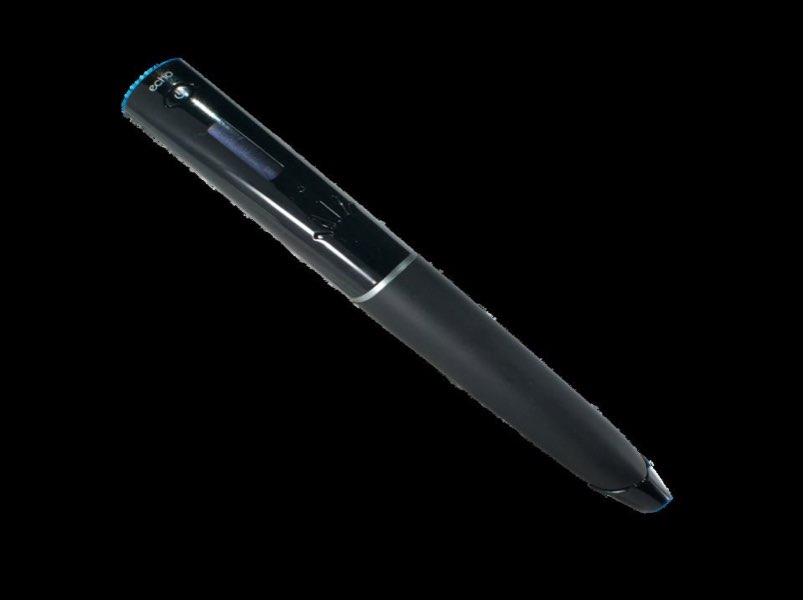
A ballpoint smart pen that captures what you write on its dot-code notebooks and syncs it to the free Ophaya Pro+ app on iOS or Android. In the app you can search your handwriting, convert it to editable text (Word) with OCR, and record audio linked to what you were writing at the time. The pen stores up to 300 pages if your phone isn't nearby.
Write with real ink on paper and get a digital copy in the free app
Converts handwriting to editable text and searches notes by keyword, tag or time
Audio recording linked to your notes: tap a line to hear what was said
Stores up to 300 pages offline; 5 A5 notebooks (124 pages each) and 4 refills in the box
Needs the phone or tablet app to view, convert or share notes
Battery life isn't stated in the listing
Only works with Ophaya-branded dot-code paper and Ophaya refills, per the brand
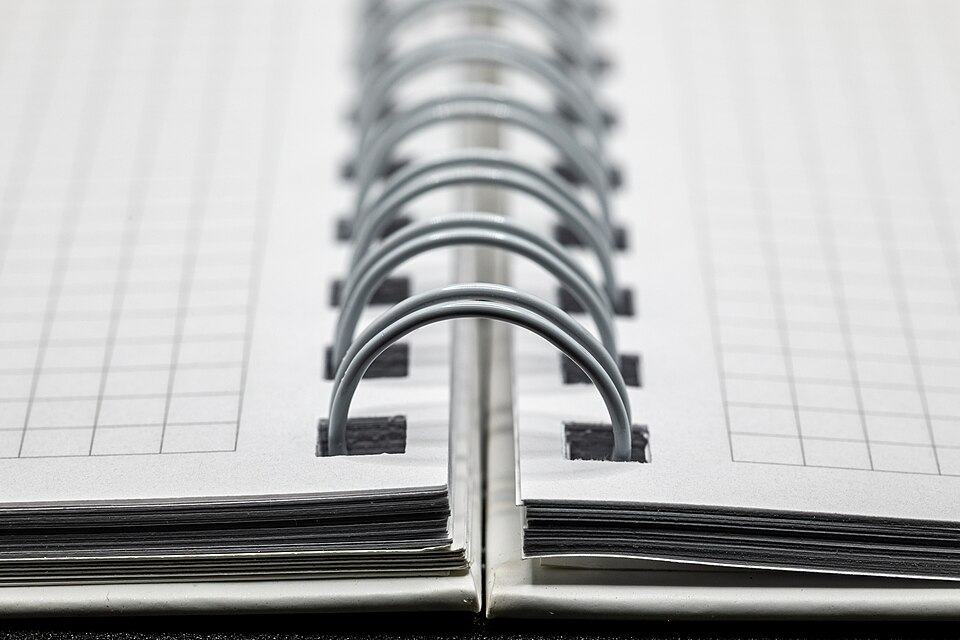
Rocketbook Core Reusable Smart Notebook, Letter Size
Core features, no paid plan
Battery life stated (or no battery)
A reusable letter-size (8.5 x 11 inch) spiral notebook with 32 lined pages. Write with the included Pilot Frixion pen, scan pages with the free Rocketbook phone app to Google Drive, Dropbox, OneNote and more, then wipe the pages clean with a damp cloth. Smart Titles and Smart Tags printed on each page name and sort your scans for you.
No battery, no charging and no pairing: it's a notebook
Smart Titles and Smart Tags name and file each scan automatically
Wipe clean with the included towel and a little water, then reuse
The Rocketbook app is listed as free on the App Store and Google Play
Needs a phone and the Rocketbook app to scan and upload pages
Use Pilot Frixion pens only, or the pages won't wipe clean
Similar model shown. Photo: Jacek Halicki, CC BY-SA 4.0
1. AI note tools with no monthly plan
The Kindle Scribe's notebook AI (search, ask questions, summarize and convert handwriting) is part of the device. Kindle+ is an optional book subscription, not something the notes need.
2. Works on its own
No phone, laptop or pairing to get going. The pen needs no charging, so you can open it in class and write.
3. Battery measured in weeks
Amazon lists up to 3 weeks of writing or 12 weeks of reading per charge at half an hour a day with wireless off. Most students can charge it on the weekend, not every night.
The honest trade-off
The AI tools process your notes in the cloud, so they need a Wi-Fi connection; writing and reading work without one
Many AI gadgets come with a free tier or trial, then charge monthly for extra transcripts or features. Check what's included without a plan. The Kindle Scribe's notebook AI has no plan to buy.
Decide if you'll carry a second device
Scanning pens, smart pens, smart notebooks and most AI recorders need a phone or laptop to do anything useful. A standalone device like the Kindle Scribe works on its own.
Look for a stated battery life
A real number (4 days for the Pocket recorder, 3 weeks of writing for the Kindle Scribe) tells you whether it lasts a school week. "Long-lasting" with no number tells you nothing.
Match it to how you study
Record lectures if you replay them, scan quotes if you work from printed books, and write by hand if that's how you remember. See our guide to taking better lecture notes with tech.
Questions about AI gadgets for students
Are AI gadgets allowed in class?
It depends on the school and the teacher. Note-taking and reading tools are often fine, but ask first, and check the rules before using any device in a test.
Is it legal to record a lecture?
Recording laws and consent rules vary by state and country, and many schools have their own policy. Ask the instructor and check the rules before you record.
Do these gadgets do homework for you?
No. These are note-taking, reading and study tools. They capture, search and organize what you write, read or hear; the learning is still yours to do.
Do I need Wi-Fi?
For the AI parts, often yes. The Kindle Scribe's AI tools process notes in the cloud, though writing and reading on it work without Wi-Fi. For the others, check the listing; most don't say.
Bottom line: the best AI gadgets for students
For most students, the Kindle Scribe is the AI gadget to get: its notebook AI needs no paid plan, it works without a phone or laptop, and its battery is rated in weeks. Choose the Pocket AI recorder to record lectures, the Scanmarker Air to pull quotes from printed books, the Ophaya smart pen to keep writing on paper, and the Rocketbook Core for the lowest-cost way to digitize notes.
AI Tools for College Students: Gadgets vs Apps — Should a student buy an AI gadget or just use apps on a phone and laptop? How they compare on cost, paid plans, Wi-Fi, battery and distractions.
How to Take Better Lecture Notes with Tech — A before, during and after plan for lecture notes using recorders, smart pens, e-ink notebooks and scanning pens, without letting the tech do the thinking.