

How to Buy a Gift for a Gamer When You Don't Know Their Console
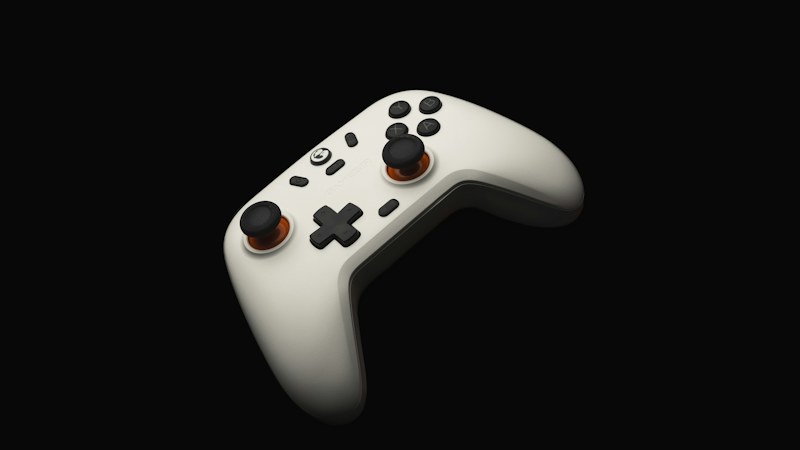
Buying for a gamer is easy if you know what they play on. If you don't, it's a minefield. A controller for the wrong console is useless. A game for the wrong system has to go back.
Here's how to get it right, even if you know nothing about games.
Step 1: Find out what they play on
There are four main options: PlayStation, Xbox, Nintendo Switch and PC (a computer). Many gamers use more than one.
Ways to find out without spoiling the surprise:
- Look by the TV. The console's name is usually printed on the front or top.
- Look at their desk. A big computer tower with lights, a large monitor and a fancy keyboard usually means PC gaming.
- Ask someone close to them. A parent, partner or friend will know.
- Listen. Gamers talk about their games. "I was on Xbox all night" is a clue.
Step 2: Read the compatibility line
Every gaming product lists the systems it works with. Read it carefully:
- "Multi-platform" doesn't always mean every console. Some leave out Xbox.
- PC-only gear (many mice, keyboards and some controllers) won't work on a console.
- Newer vs. older consoles can matter. Check the exact model if you can.
Step 3: If you still don't know, pick a "works anywhere" gift
Some gifts work with almost every system:
- A wired headset with a 3.5mm plug. Most controllers and computers have a headphone jack. A headset that plugs in there works on PC, PlayStation, Xbox and Switch, and on most phones too. It needs no charging.
- Comfort gear. A gaming chair cushion, a desk lamp or a cozy hoodie with their favorite game on it.
- A gift card. Each console has its own store, so you still need to know the system, but it's an easy last-minute pick once you do.
Gifts to be careful with
- Games. Each game is made for specific systems. Wrong system means a return.
- Controllers. Most only work with certain consoles or with PC.
- Wireless headsets. Many use a dongle that only works with some systems.
Wired or wireless?
Wireless gear feels cleaner, but it needs charging and sometimes a dongle. Wired gear works the second it's plugged in and never dies mid-game. When you're not sure what they play on, wired is the safer bet.
Keep the receipt
Even when you do everything right, a gamer may already own the thing you picked. Ask for a gift receipt so they can swap it.
A quick checklist
Before you check out, ask:
- Does it list their system by name?
- Does it need charging, batteries or an app?
- Is there a gift receipt?
If the answers are yes, no and yes, you're in good shape.
For four gamer gifts compared on what they work with, charging and setup, see our best Christmas gifts for gamers.